
first, of course you must be have the image that you want to be a header. you can search it or make by your own. make sure the size of the width of the image is fit the width of your blog. for example, the width of this blog is 1000px. so, the image width is about 1000px too.
then, go to Layout click Edit on header.
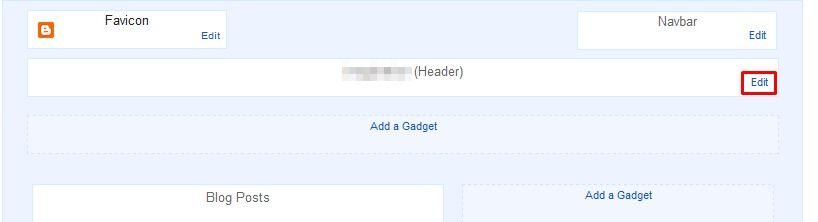
and the header menu will appears...
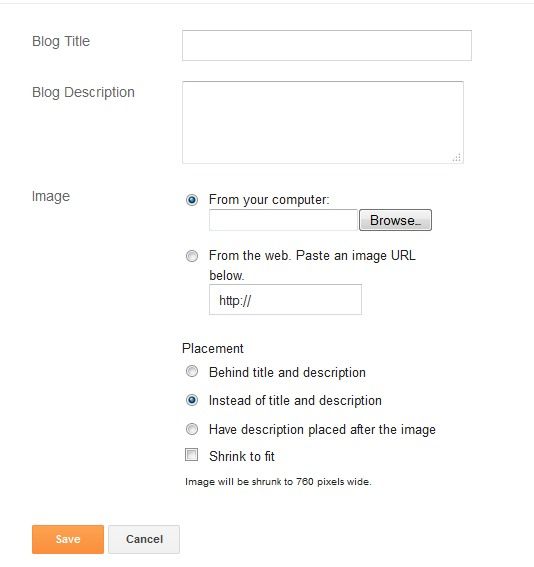
add your blog title, description. then, insert your image.
select the placement of your image.
if you're not sure with the size of your images, give it a check in the shrink to fit.
a save and you're done :))

No comments:
Post a Comment