
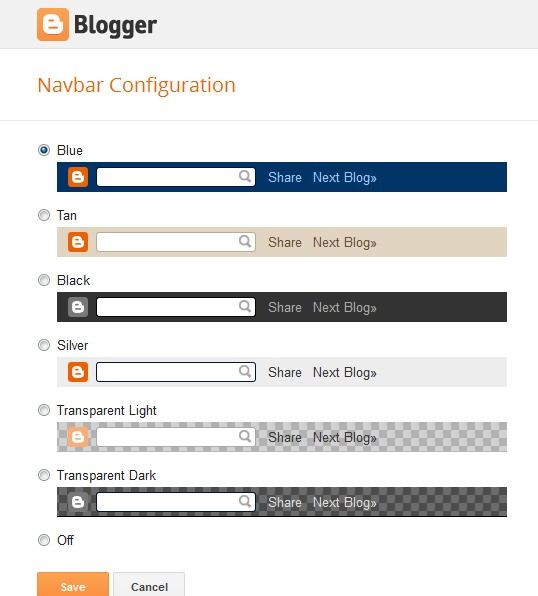
login to your blogger account.
from dashboard, click More Options > Template > Edit HTML
scroll down to where you see ]]></b:skin> tag.
copy the following code and paste it just before the ]]></b:skin> tag.
save and you're done :)
source: bloggertricksandtoolz

No comments:
Post a Comment