
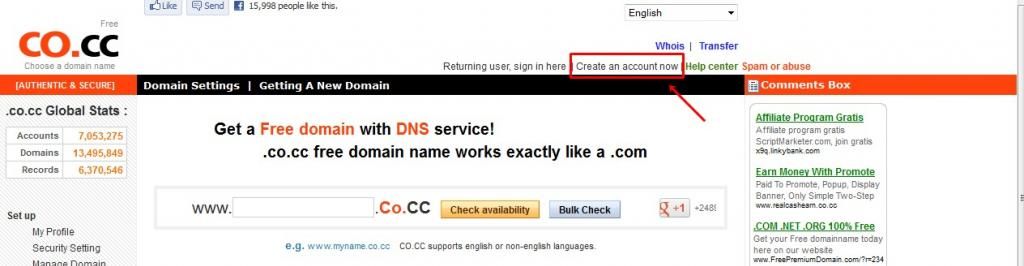
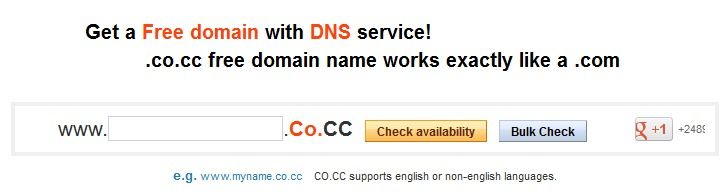
get a domain name first by filling in the box provided, and click Check Availability.
After getting a domain name, then go to the Domain settings menu > Manage Domains and click Setup.
skip the first menu, manage DNS (left the server name being empty) and then immediately click the second menu, Zone Record.
fill the 'add record' with the following fields:
- Host : fill with the domain name that you have registered
- TTL : 1 D
- Type : cname
- Value : ghs.google.com
then, click set up.
after setting the co.cc, then setting on blogger..
login to blogger.com
go to Settings > Publishing

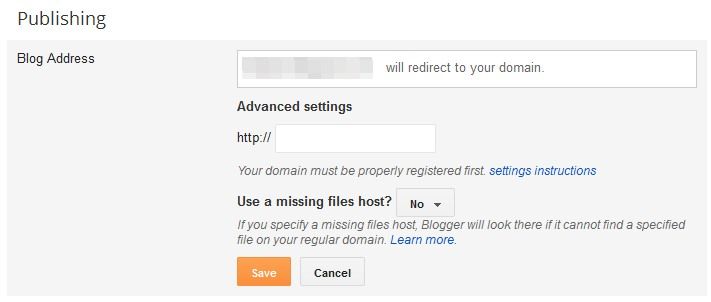
Fill the fields below the 'advanced settings' with domain co.cc that you have registered earlier.
Use a missing files host? select No.
click save.
yeah. you're done. your blog's domain name has been changed to co.cc just waiting for the synchronization process from co.cc to Blogspot maximum of 24 hours. after that, you can already access your blogspot.com url with co.cc domain name that you have created earlier.
source: chandragreat

No comments:
Post a Comment