

create a New Layer
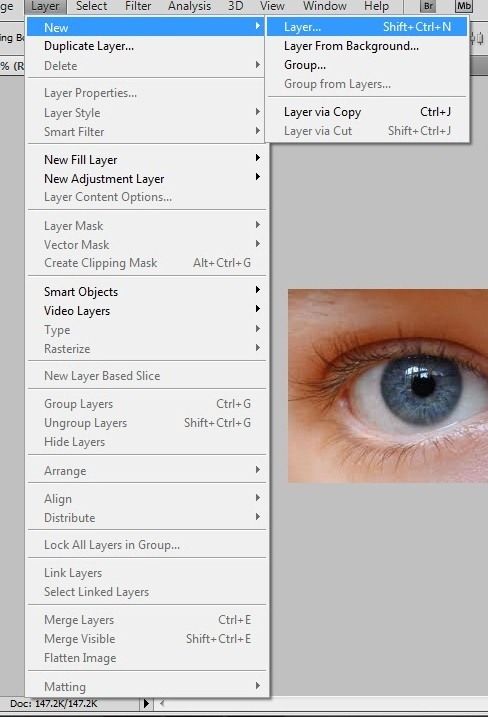
select the brush tool. you can use any color you want.
color the eye like this...

go to Filter > Blur > Gaussian Blur. you can adjust the blur meter to make it more blurry.
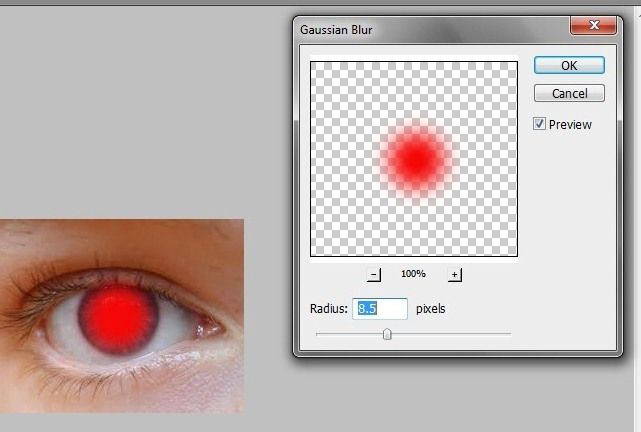
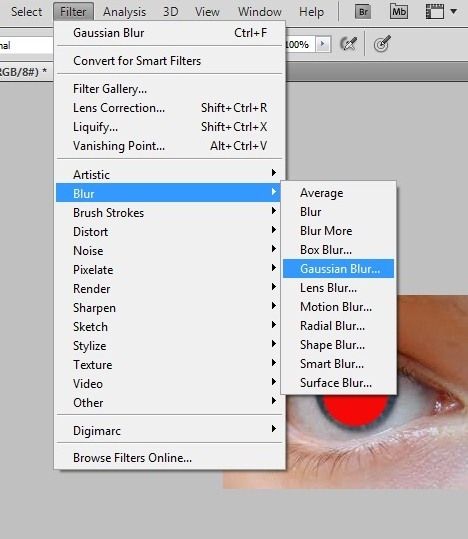
Clik OK and go to layer pallete and change the blending mode. select Overlay
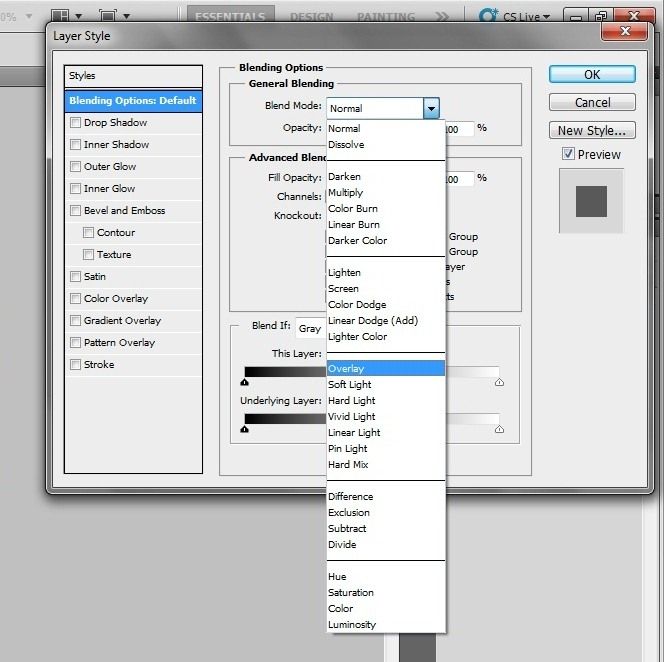
Finished :)

source: codesecret

No comments:
Post a Comment