
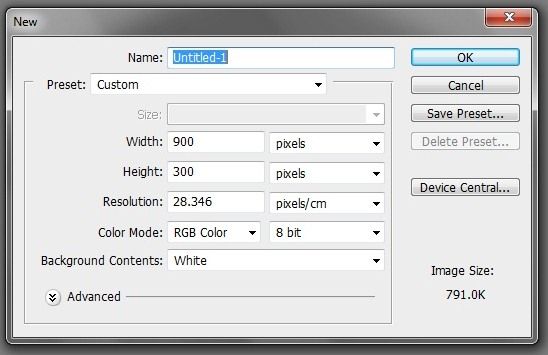
select the horizontal type tool and write what you want.

open the image file that will be inserted into the text.
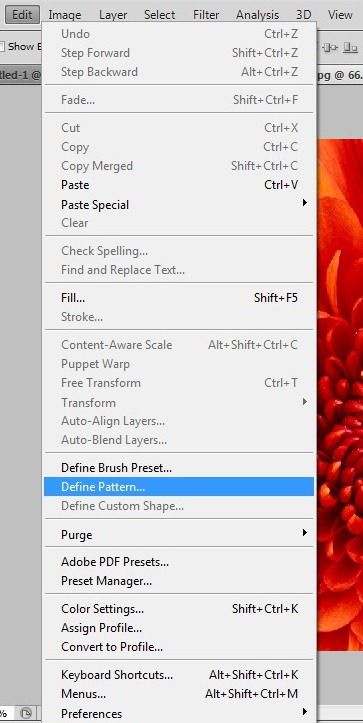
go to Edit > Define Pattern
back to text file.
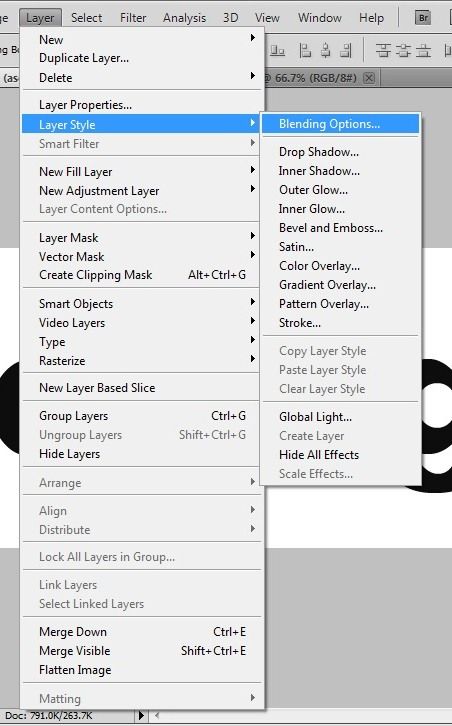
go to Layer > Layer Style > Blending Options
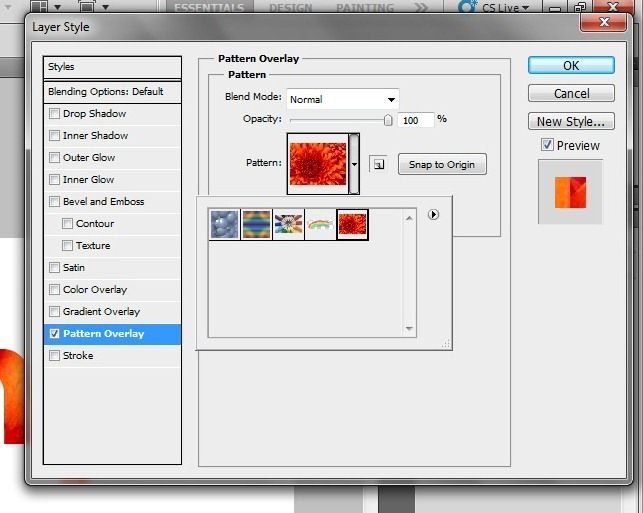
put checks on the Pattern Overlay and select images you want to be inserted into the text.
tadaaa, and this is the result :)

you're finished :)

No comments:
Post a Comment