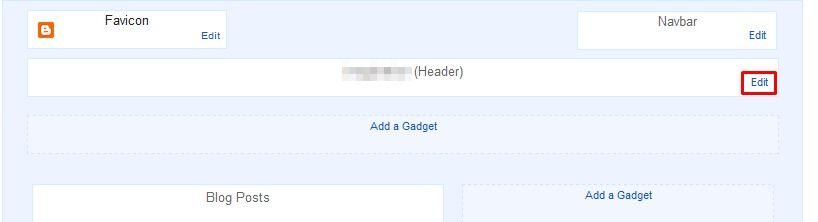
you can place an image to your blog header (like this blog). the way to add header to your blog is very easy.
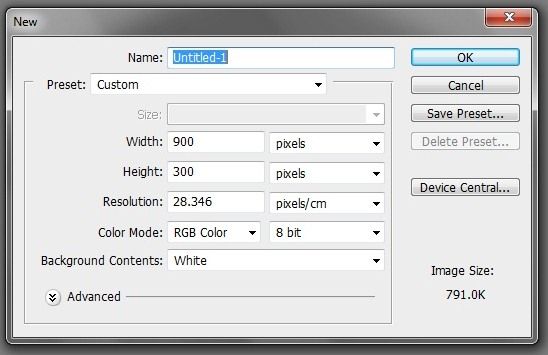
first, of course you must be have the image that you want to be a header. you can search it or make by your own. make sure the size of the width of the image is fit the width of your blog. for example, the width of this blog is 1000px. so, the image width is about 1000px too.
bloggerhas changed itsappearance.if you still use the blogger old interface you can change this by clicking on the Upgrade Now at the top of the dashboard or Try the updated Blogger interface at the top right menu.
Create a gmail account by clicking SIGN UP on the right top then sign in to blogger.
If you already have a gmail account, you can immediately sign in with your account. click blogger profile and confirm your profile then click back to blogger.